Voice, but no picture.
Nobody sees where the team is or what they are looking at.
Voice, map, video and record in one app, for the teams who run toward the emergency.
Civil protection · Security · First responders · Law enforcement · Defence

Nobody sees where the team is or what they are looking at.
No structure, no chain of command, no control of the data.
Positions live in one app, the conversation in another.
Video arrives by call or by file, after the moment has passed.
Rebuilding what happened takes days, and pieces are missing.
And when the network drops, most of them go down with it.
Voice, the map, live video and a complete record, in one app and one chain of command. No switching between apps, no copying positions from one tool to another.
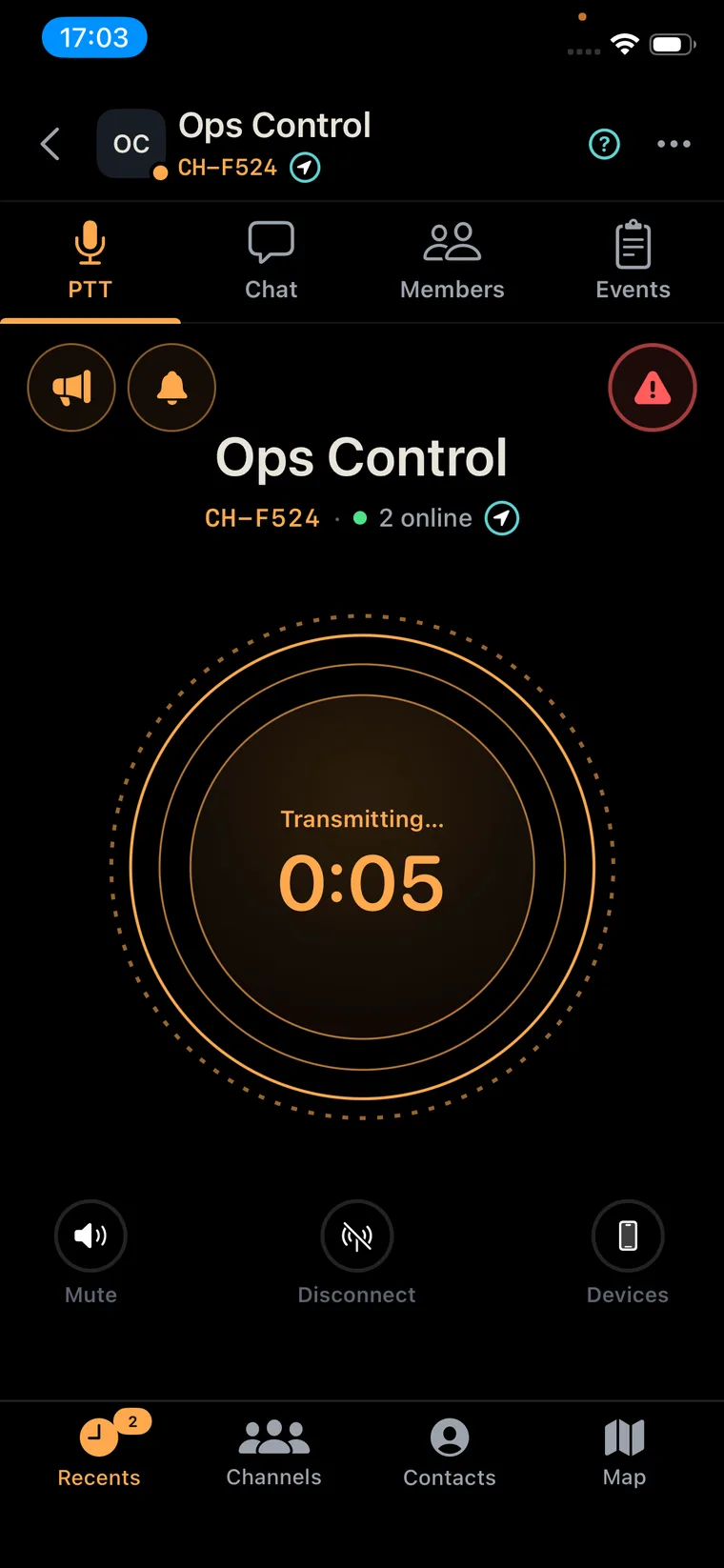
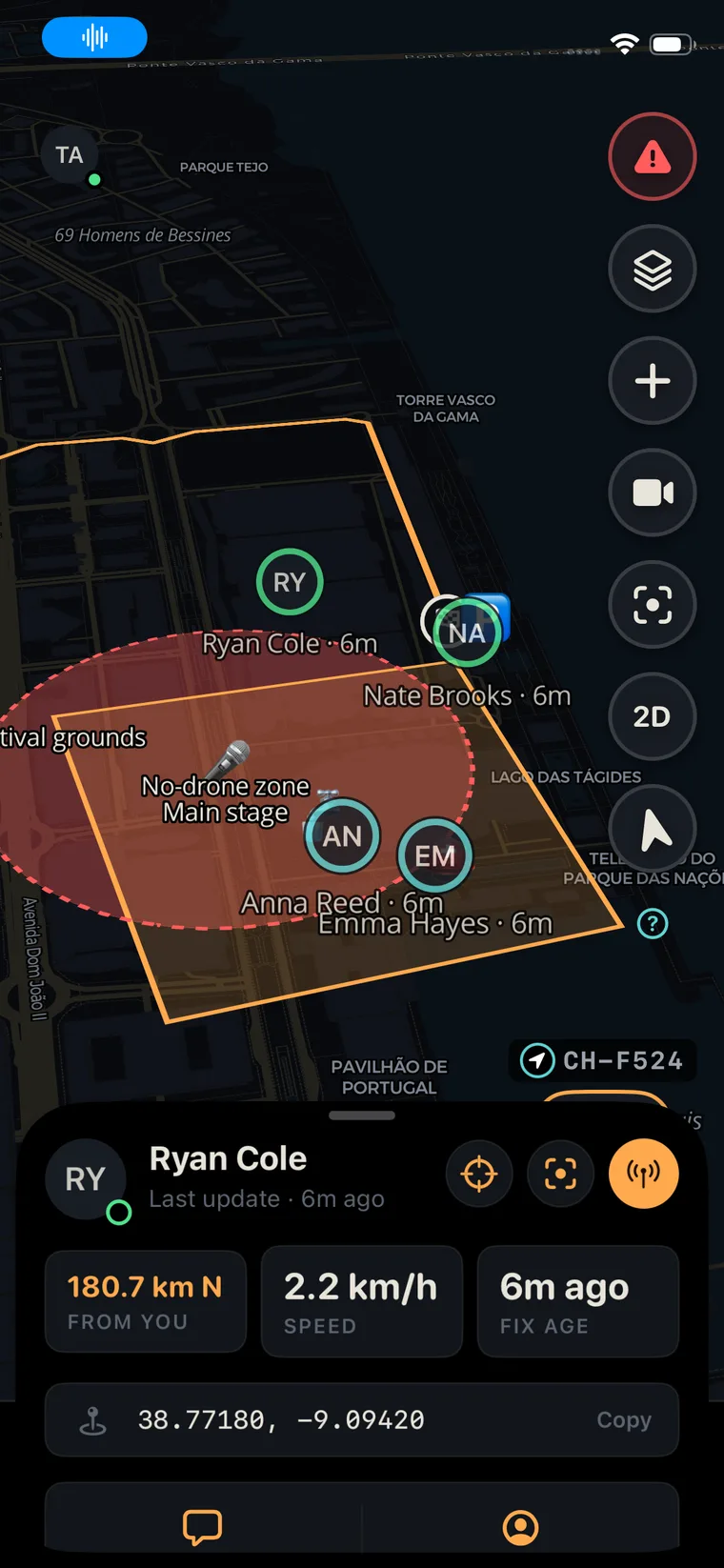
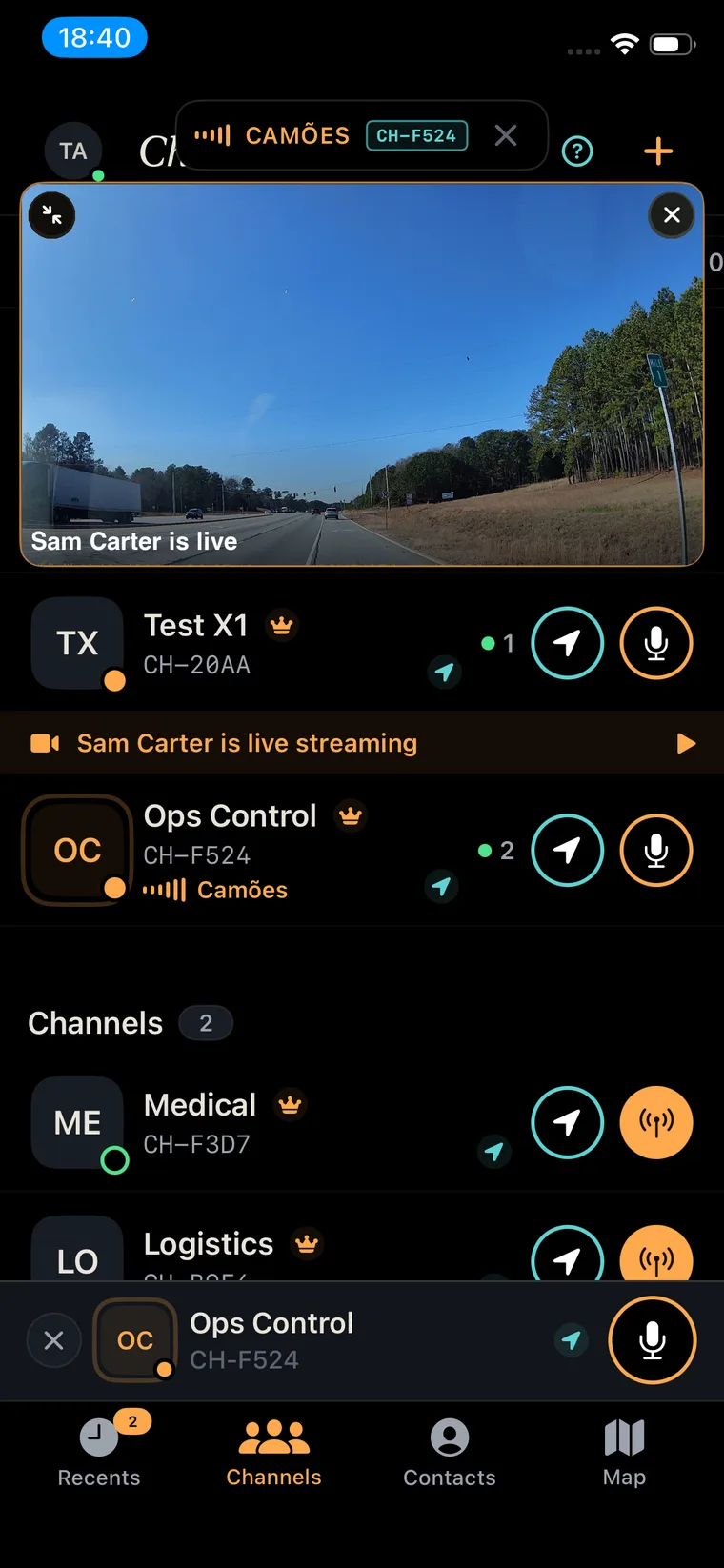
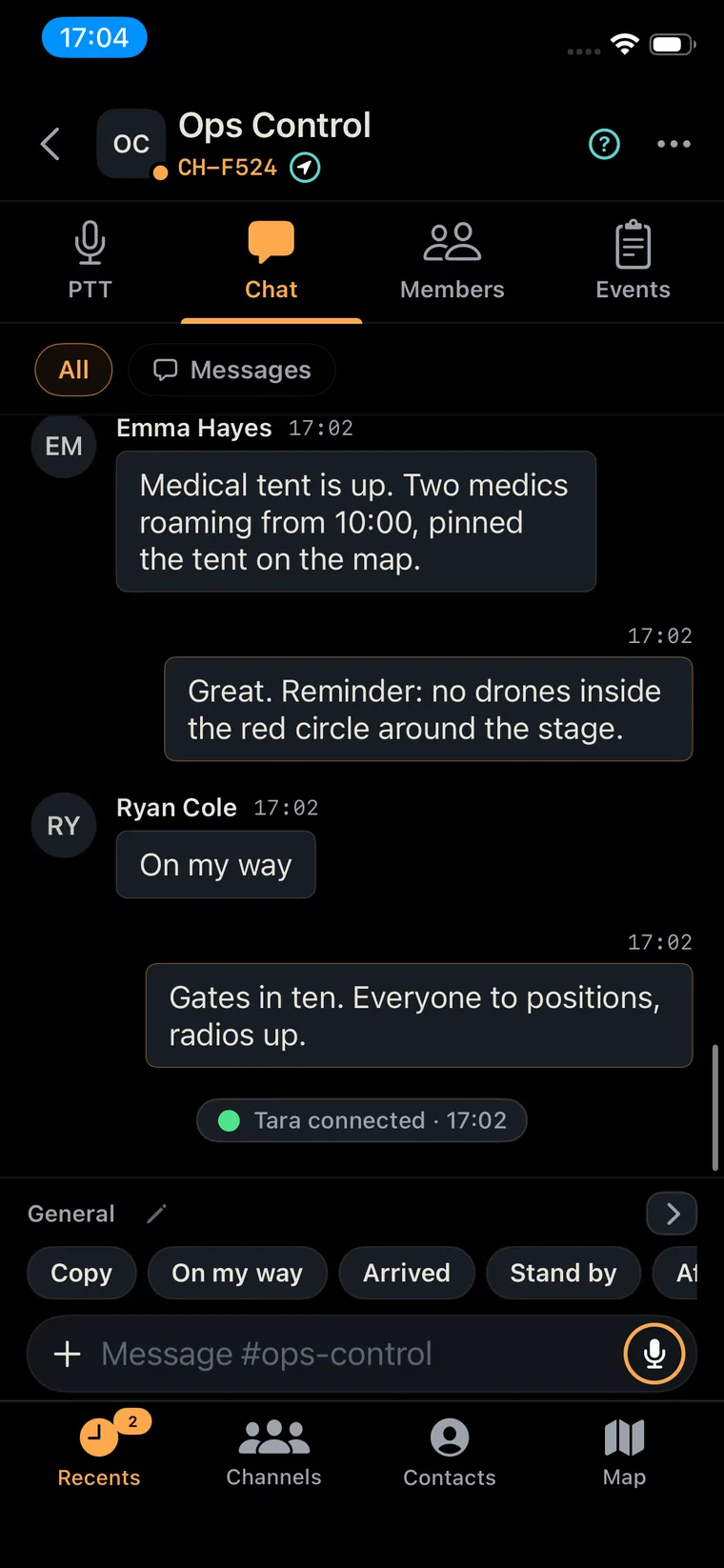
A channel is not just a chat group. It is a team's complete workspace, and you build the structure the way your organisation is built: command, sectors, specialist teams.
Every channel carries
A coordinator is connected to every team's channel at once and hears all of them, even with the phone locked. The talk button always goes to one channel.
Monitor
Hear every team at once.
Focus
One tap. Only this channel.
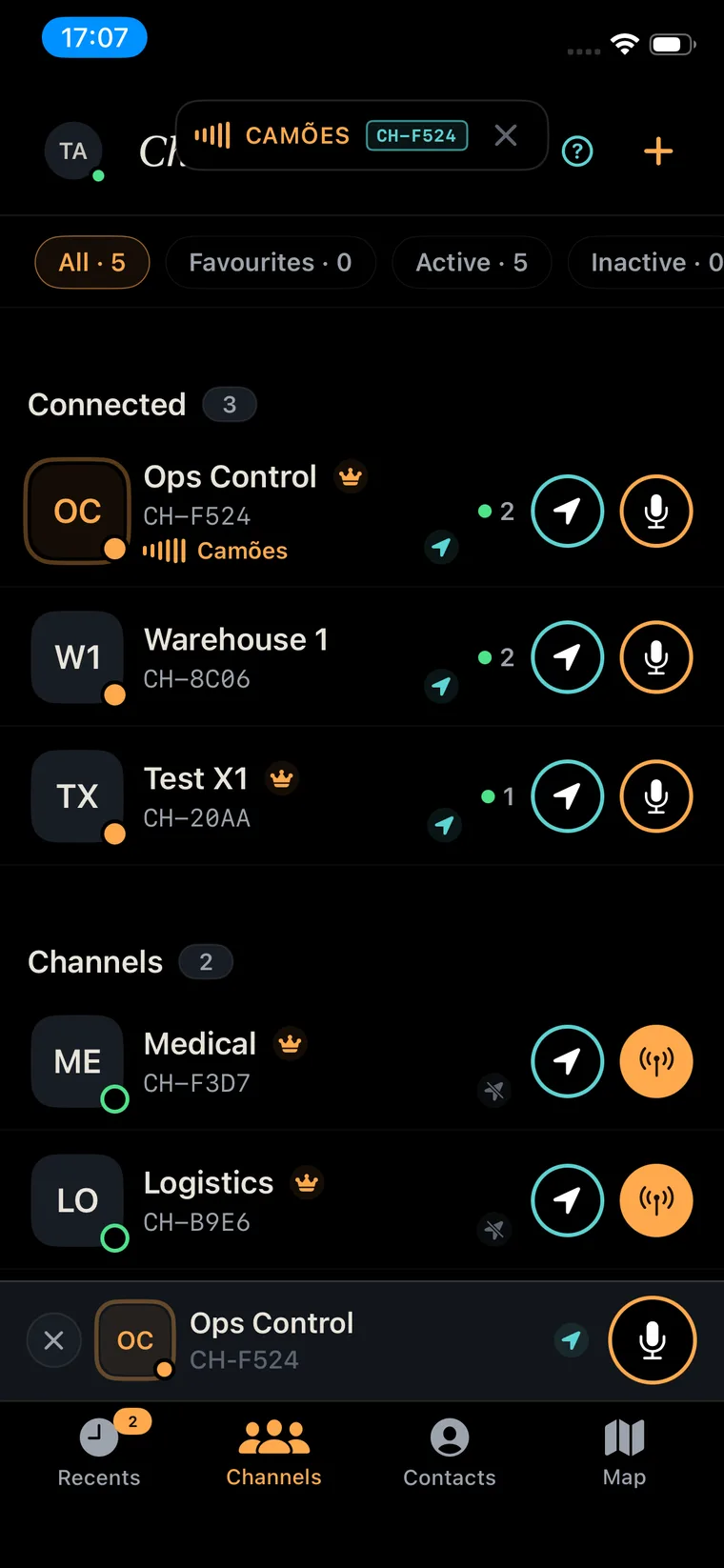
Members · grouped by role
Medic · 2
Team lead · 1
Sector North · 1
Press and speak. No dialling, no ringing, no set-up.
Double-tap to keep the mic open for a long report.
On screen, on the headset, a Bluetooth button or the phone's PTT key.
Works with the screen locked. The lock screen shows who is talking.
Two teams talk at the same time? You hear both.
HD voice that stays clear when the signal is poor.
A ping to the team. Seen when they can.
Rings a person or a channel again and again until someone answers.
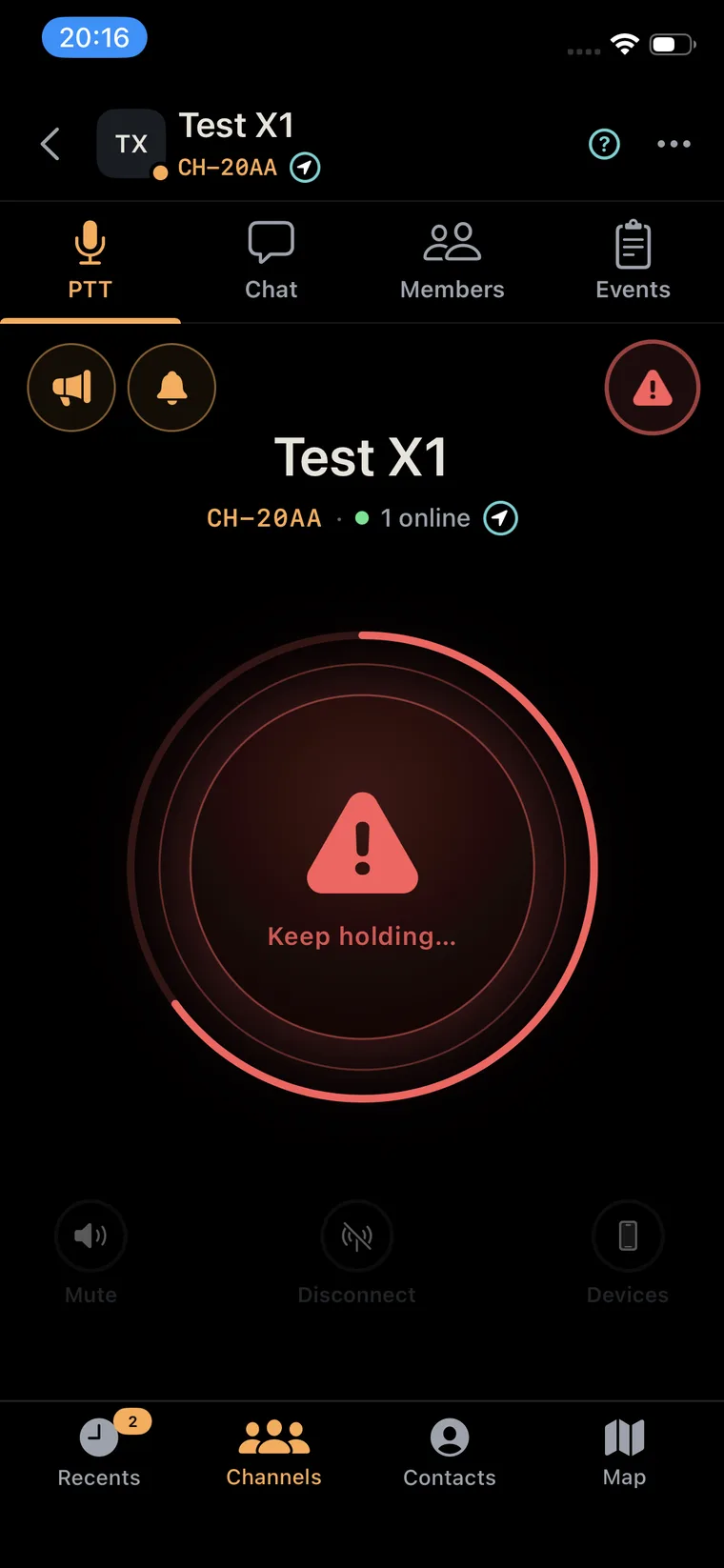
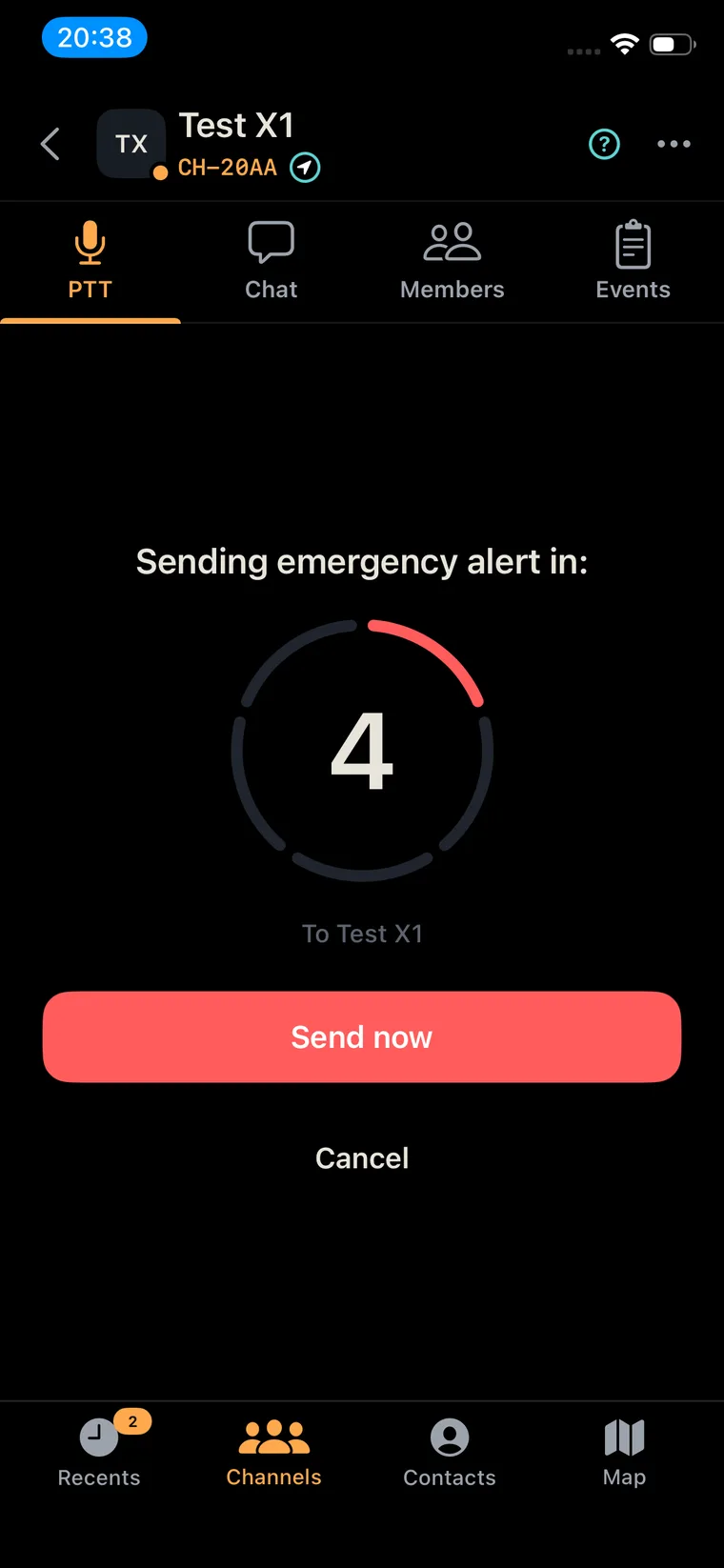
Breaks through everything. Position to the whole team.
The gear your teams already wear becomes part of the network. Hands stay on the job, eyes stay up.
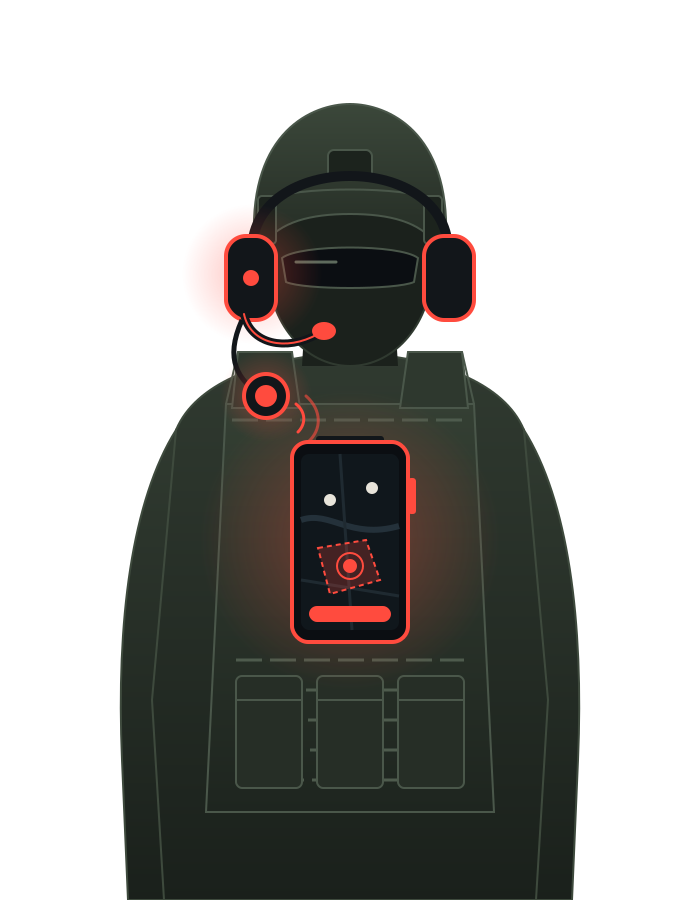
Voice in your ear, not on a speaker. Bluetooth or wired.
On the chest strap. Talk without touching the phone.
Sends and receives locked, in a pouch or a mount.
Rugged phones' PTT and SOS keys drive Terraxi.
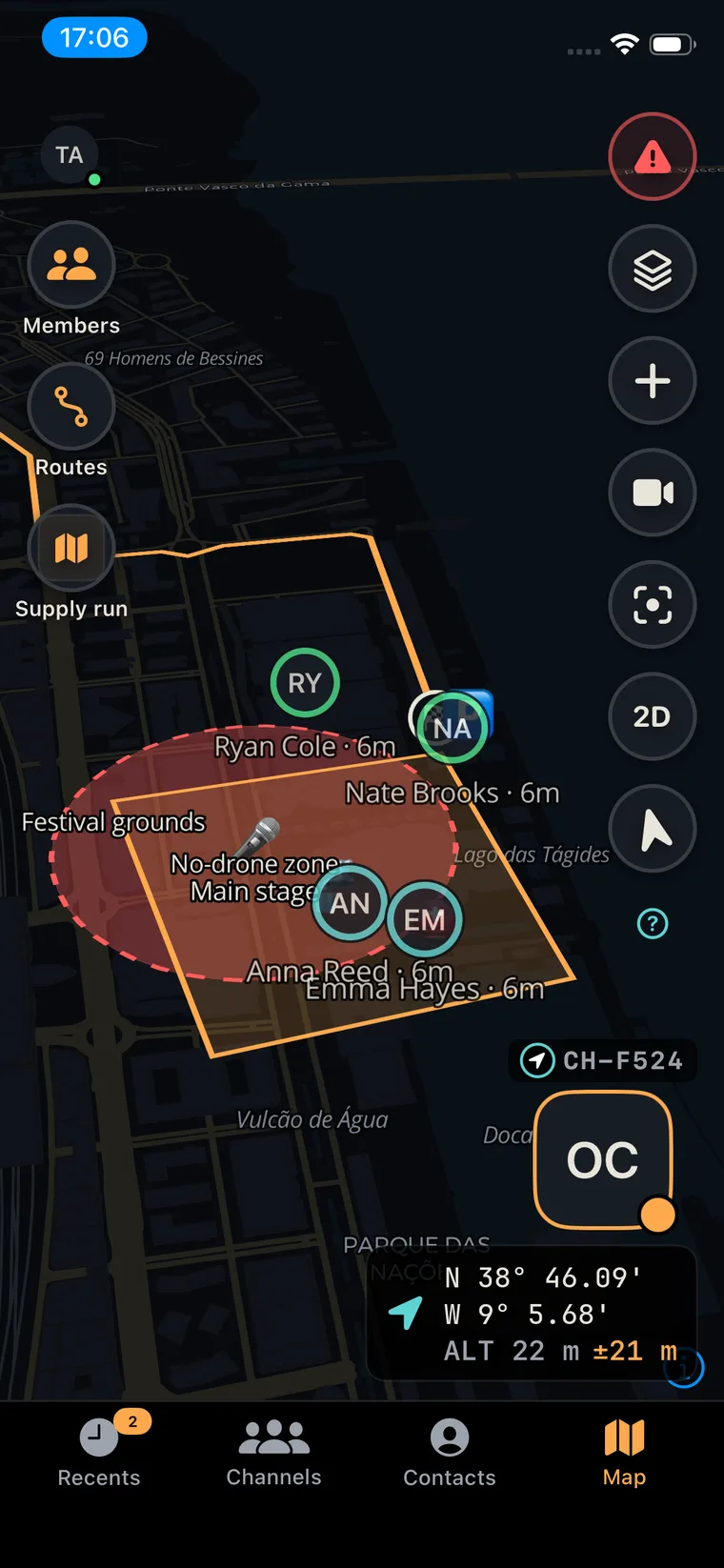
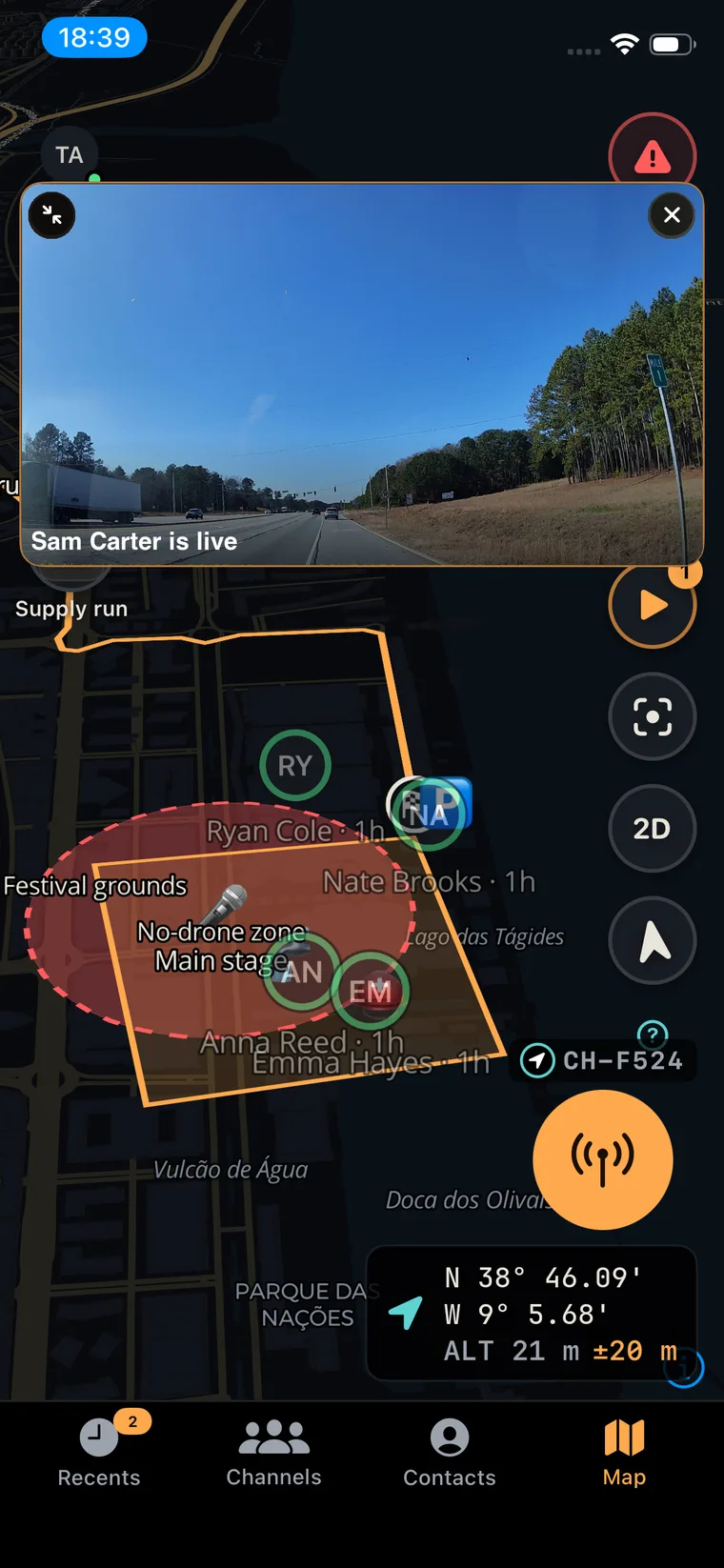
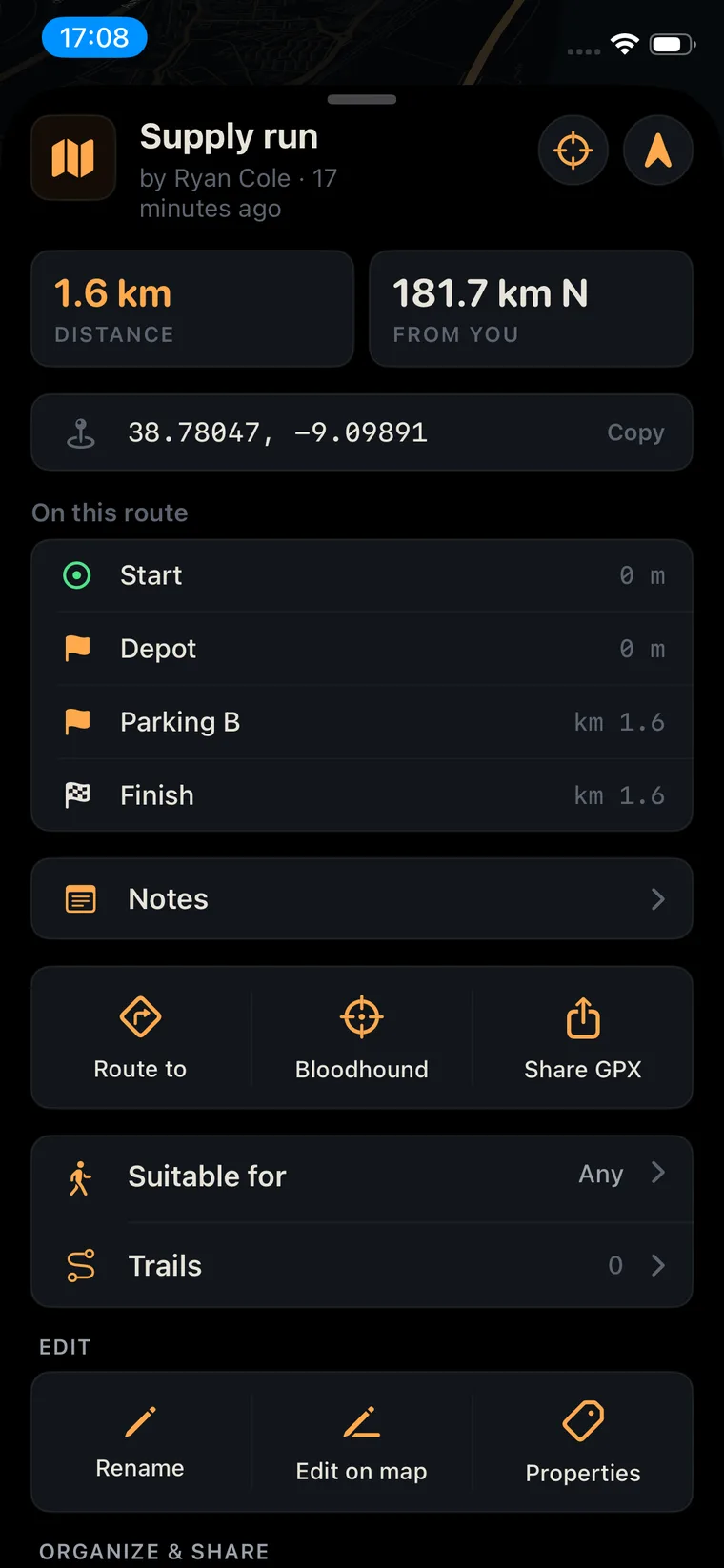
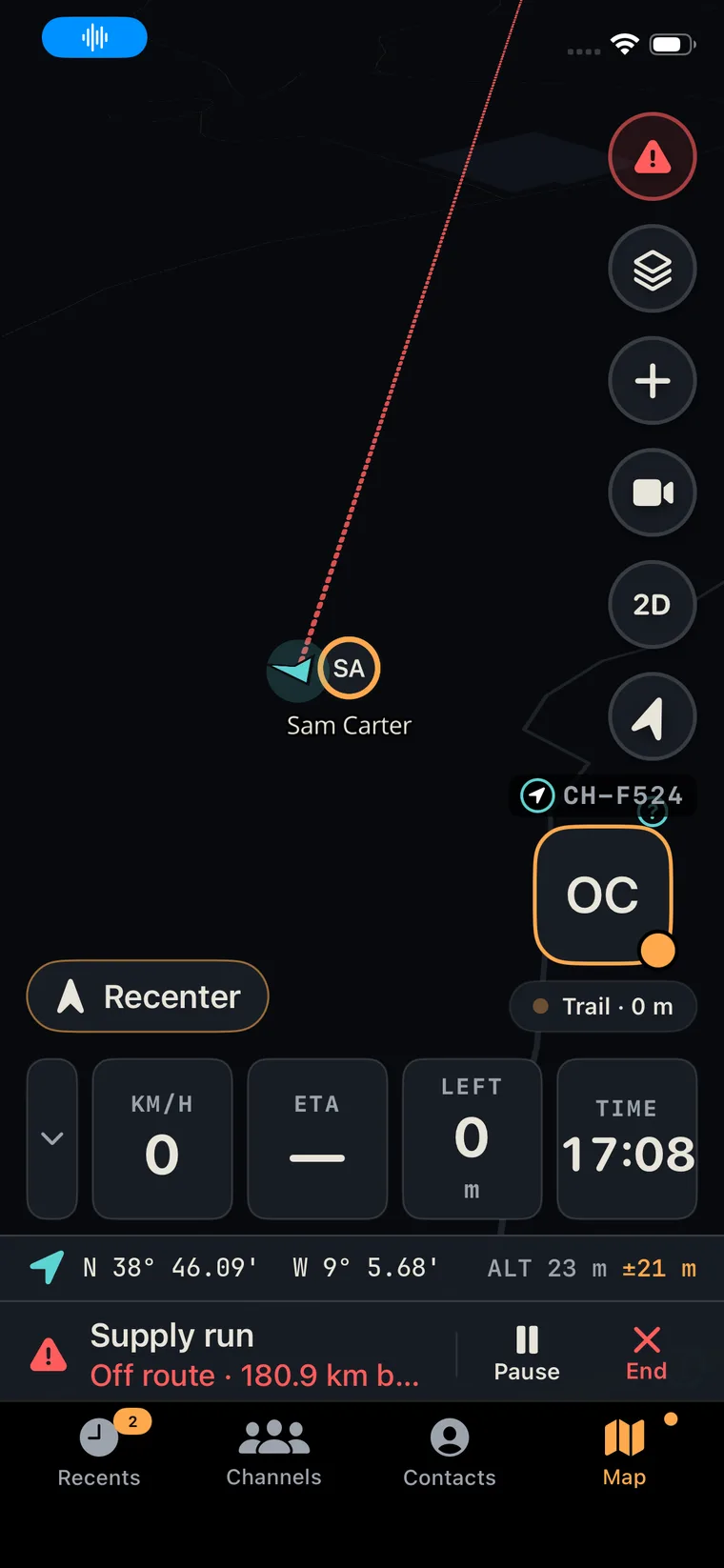
Map, team and alerts at a glance.
Terraxi was engineered from day one for disaster zones, remote terrain and contested areas, where the signal is the first thing to go.
Up and running in a day. We run it, your teams use it.
The full platform in your own data centre, under your security policies.
A rugged box brings up a complete Terraxi network in minutes: in a vehicle, a command post or a ship.
Same app. Same features. Wherever it runs.
Same app, same features. Phones that answer only to you.
The stack
Voice, map, video and record.
Not on the device. Not needed.

Hardened Android: app sandboxing, exploit protection, per-app network and sensor switches.
Verified boot and a secure element.
Push → Terraxi server · your server · Edge kit
GrapheneOS and the GrapheneOS logo are trademarks of the GrapheneOS project.
The platform is the same in every one. What changes is how each organisation shapes it to its own procedures.
01 · Disaster response
Example · flood
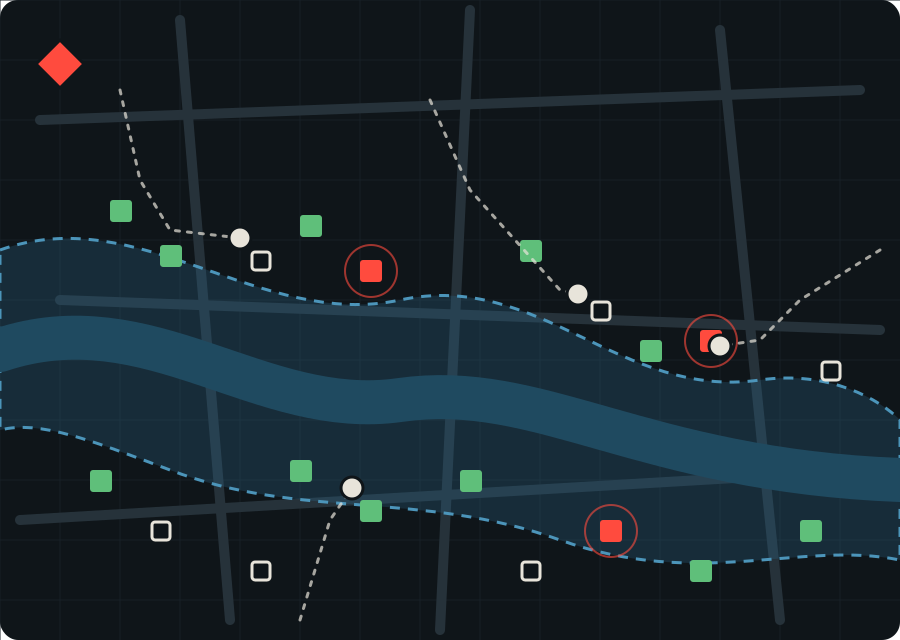
02 · Medical emergency
03 · Event security
04 · Law enforcement
05 · Defence
to go live. No menus, no set-up.
from the scene to command.
Phones, bodycams, vehicles, drones.
Incident log · Ops channel · locked
| Time | Type | Entry | Len |
|---|---|---|---|
| 14:02:11 | Voice | Unit 3 · Contact, N gate | 0:07 |
| 14:02:40 | Photo | Unit 3 · Roadblock | |
| 14:03:05 | Video | Unit 1 · Live stream | 4:12 |
| 14:05:52 | SOS | Medic 2 · Emergency | |
| 14:06:10 | Map | Command · Cordon 200 m | |
| 14:07:31 | Voice | Command · All units hold | 0:04 |
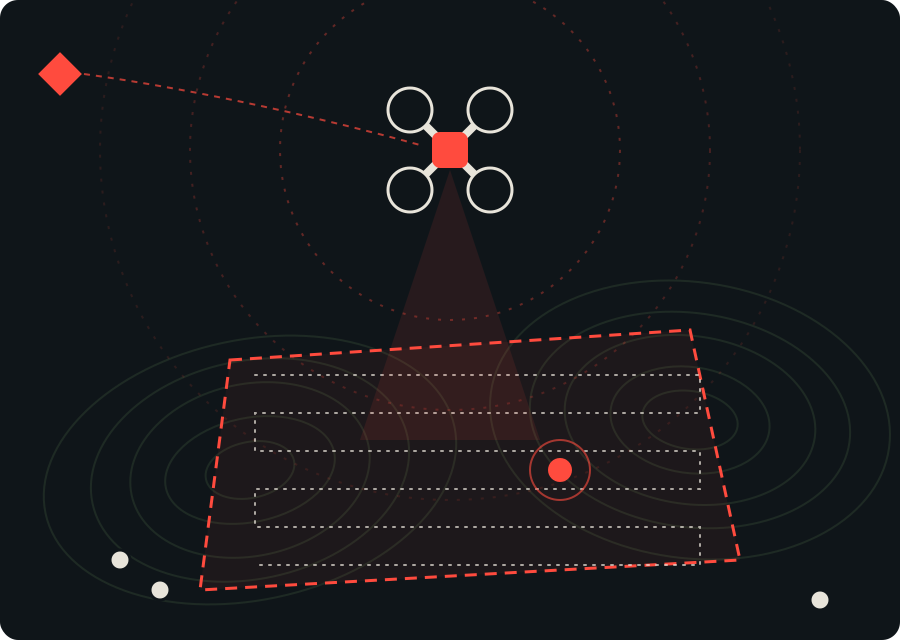 Command post Relay coverage Incident Search area
 Casualty, roadblock, house check. Your fields, your statuses.
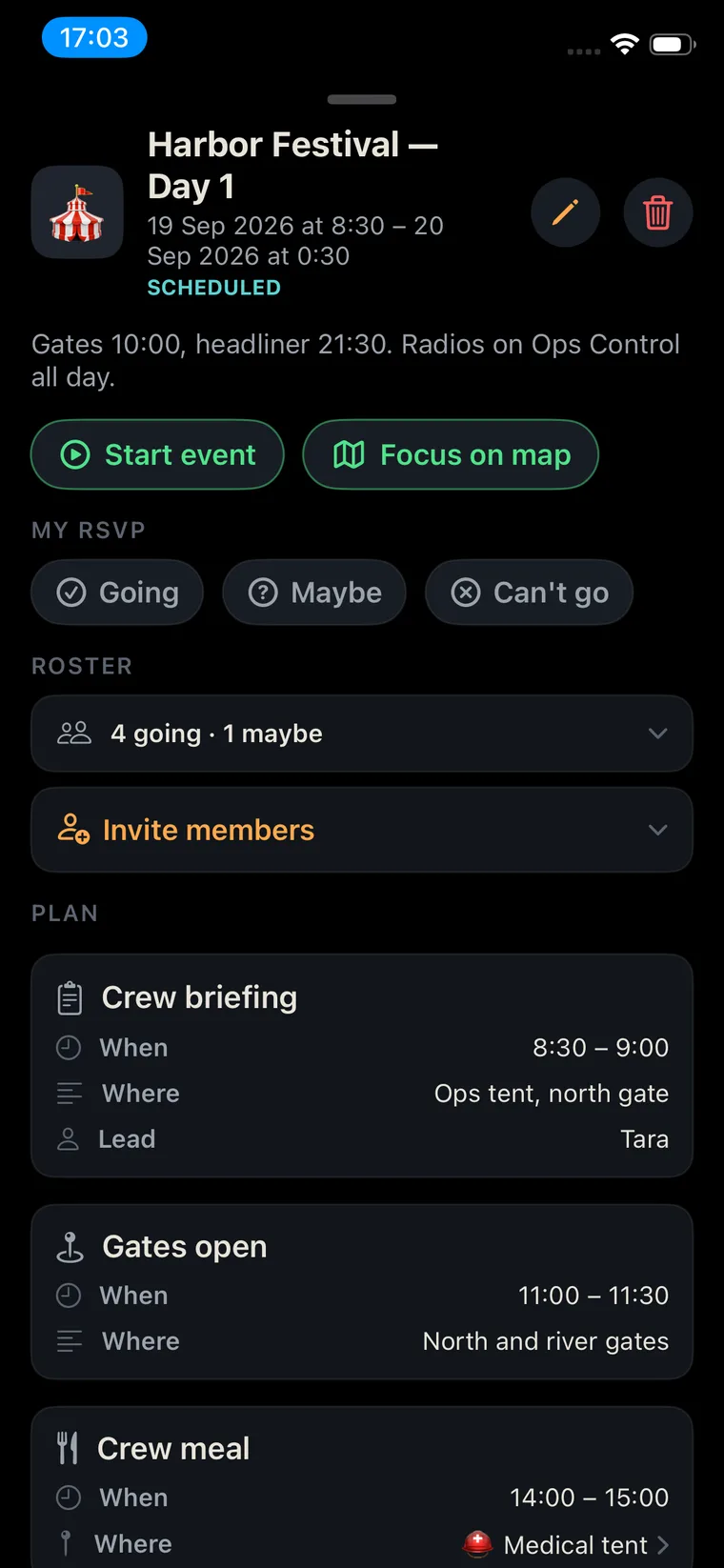
Briefings, shifts and duty rosters, run inside Terraxi.
Your standard reports, ready on every screen.
Channels and role groups that mirror your units.
Geofences that alert when a unit enters or leaves.
Each organisation picks what sits one tap away.
Terraxi adapts to how your organisation works. Not the other way round.
Real-time voice translation on push-to-talk: for international rescue teams, cross-border operations, and emergencies with tourists and foreign residents.
Evacuem a zona norte, agora.
ENEvacuate the north zone, now.
ESEvacúen la zona norte, ahora.
FRÉvacuez la zone nord, maintenant.
iPhone, Android and rugged devices. Hardware PTT keys, Bluetooth buttons and headsets.
Landscape layouts for tablets and car mounts, with turn-by-turn navigation to any unit.
A full console in the browser, built for big screens: the map, every channel, every stream.
The one your current tools handle worst. We'll run it with your team, as an exercise, in your own procedures.
Free to download